Terminal and SSH
Run your local shell or connect over SSH with your existing macOS config, keys, and agent.
Keep your local terminal, SSH, SFTP, Telnet, Serial, remote desktops and VM consoles together in a native Mac app. Built for people who spend their day connecting to other machines.
Version 0.13.0 · macOS 14+ · Apple silicon
The workspace
Open different connections in tabs, keep them running as you switch, and reach the tools you need without leaving the app.
Run your local shell or connect over SSH with your existing macOS config, keys, and agent.
Browse files beside SSH or in a dedicated SFTP tab. Queue uploads and downloads with progress, cancel, retry and conflict controls, plus staged file publication.
Connect to Windows with embedded RDP and dynamic resizing. Clipboard and file transfer are opt-in; new connections use NLA and system certificate/hostname validation by default.
Connect to USB serial adapters with configurable baud rate, framing, flow control, and local echo, or use Telnet for legacy devices.
Build nested groups, search by name or address, multi-select items, drag connections where you want them, and safely remove groups without deleting their saved connections.
Save credential profiles once and link them to multiple SSH, Telnet, or RDP connections. Passwords stay protected in macOS Keychain.
Before you begin
Nethriva runs on macOS 14 or later. The included RDP runtime currently targets Apple-silicon Macs.
Choose the DMG or ZIP for v0.13.0 (build 30). Both include the built app and RDP runtime for Apple-silicon Macs running macOS 14+. No Xcode or compilation is needed. Intel RDP is not available.
Nethriva is locally/ad-hoc signed, not Apple-notarized. After reviewing and trusting the download, try opening it; macOS may require approval under System Settings → Privacy & Security → Open Anyway. If it reports a damaged app or invalid signature, download a fresh copy and report the issue. Do not disable Gatekeeper or remove quarantine.
Open a local terminal, discover a serial adapter, or add a reachable SSH, Telnet, or RDP host using your own credentials.
New in 0.13.0 · Build 30
Version 0.13.0 is now available. Arrange SSH panes, manage file transfers, explore VM inventories and bring more of your daily workflow into one native workspace.
Real connected sessions, shown with demonstration labels.
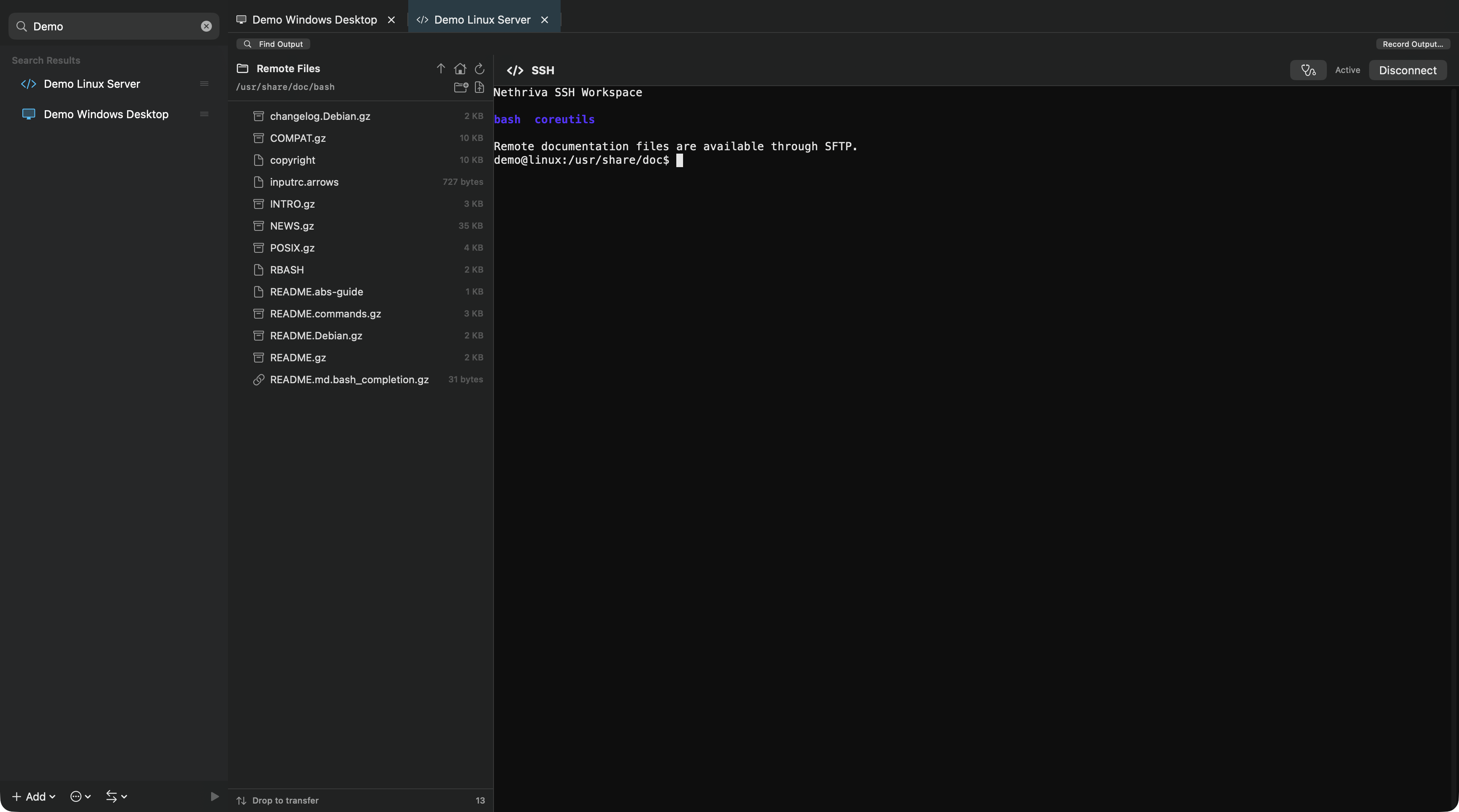
Browse remote files beside a live SSH session while keeping your connections within reach.
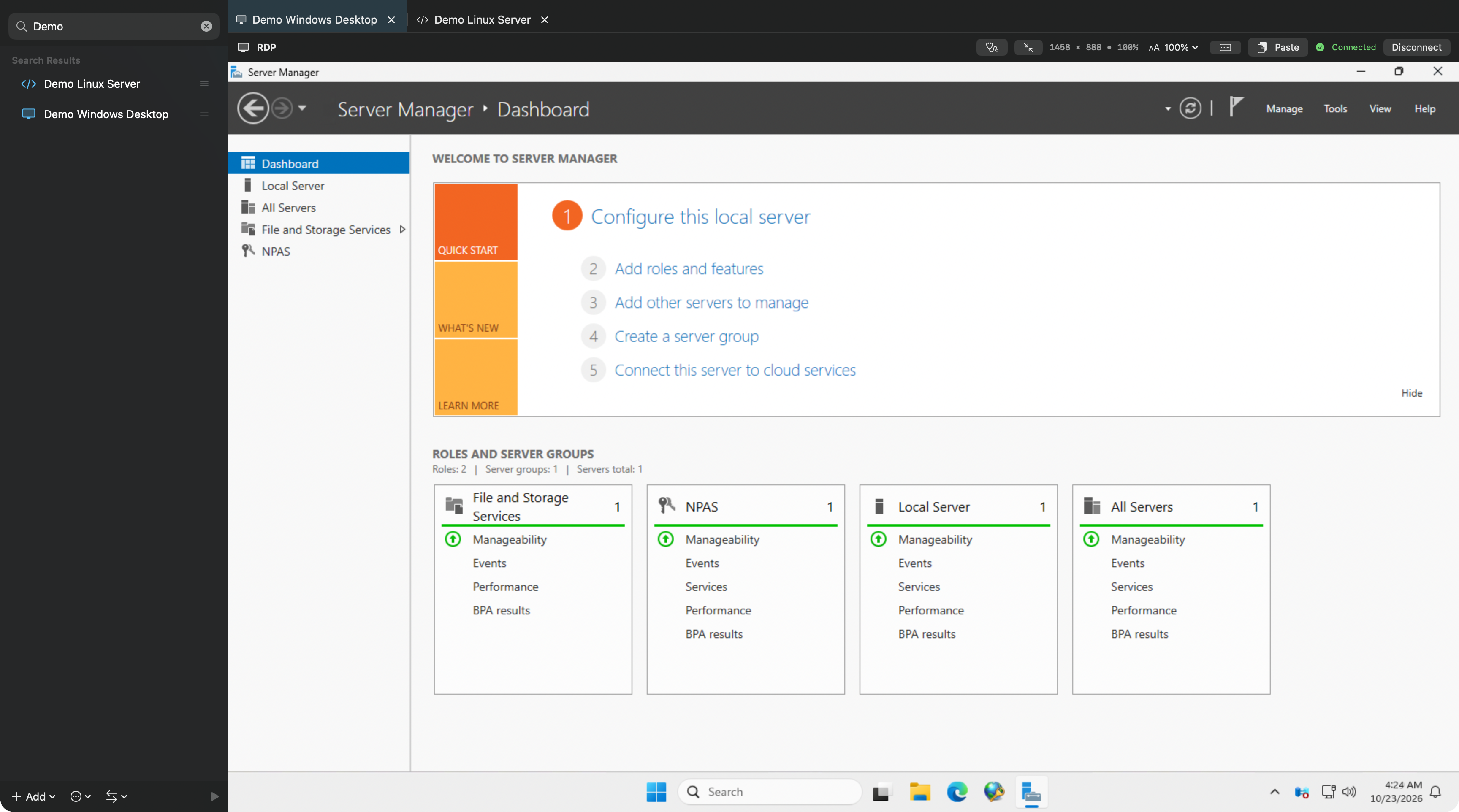
Work in an embedded RDP session and switch back to your other connections from the same window.
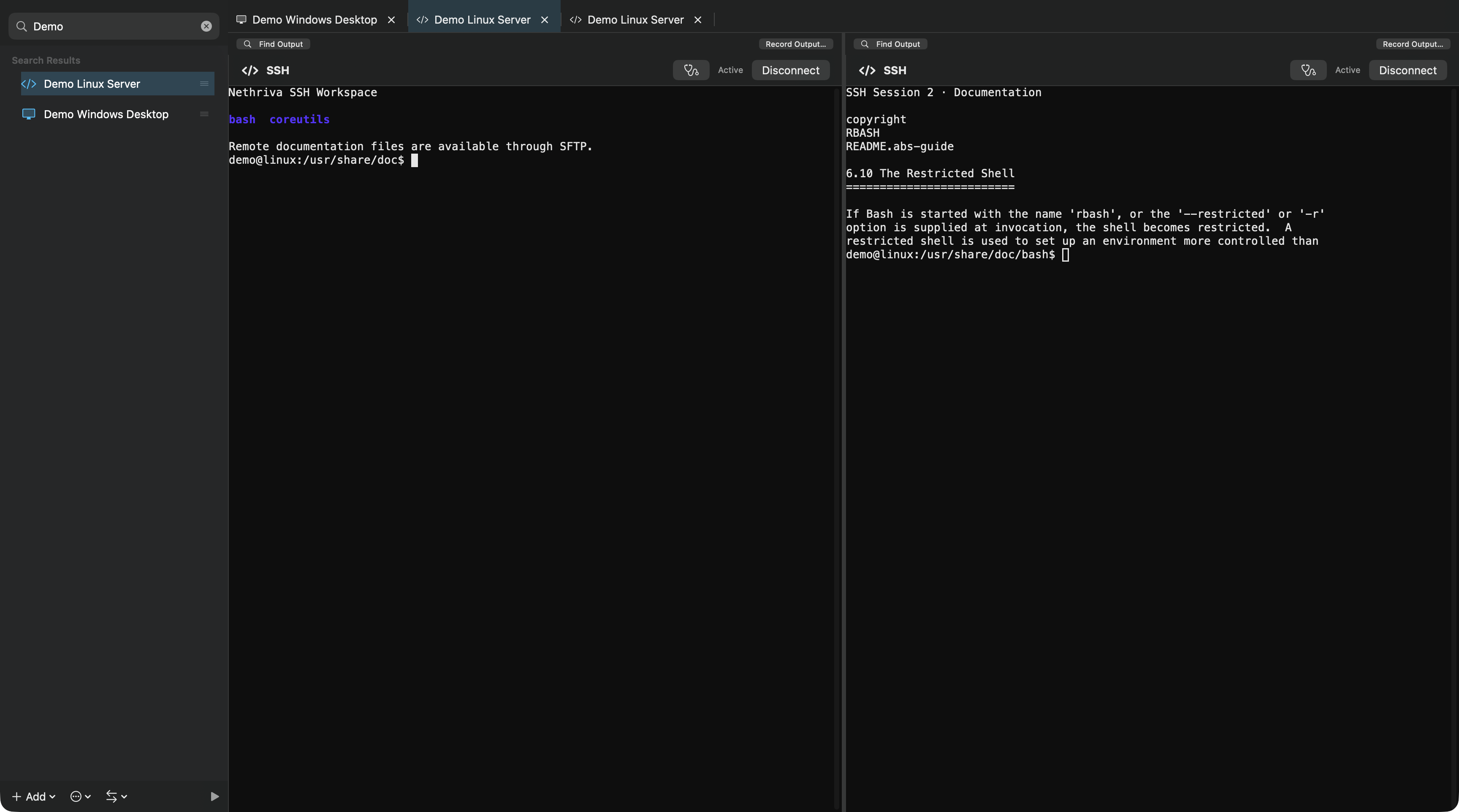
Compare output or keep reference material open beside another live shell with a split workspace.
VM inventories and consoles for VMware, Proxmox, QEMU/libvirt, Hyper-V, Xen Orchestra and Nutanix, plus standalone VNC/SPICE. VM details, supported power actions, media mounting and snapshots depend on the host platform.
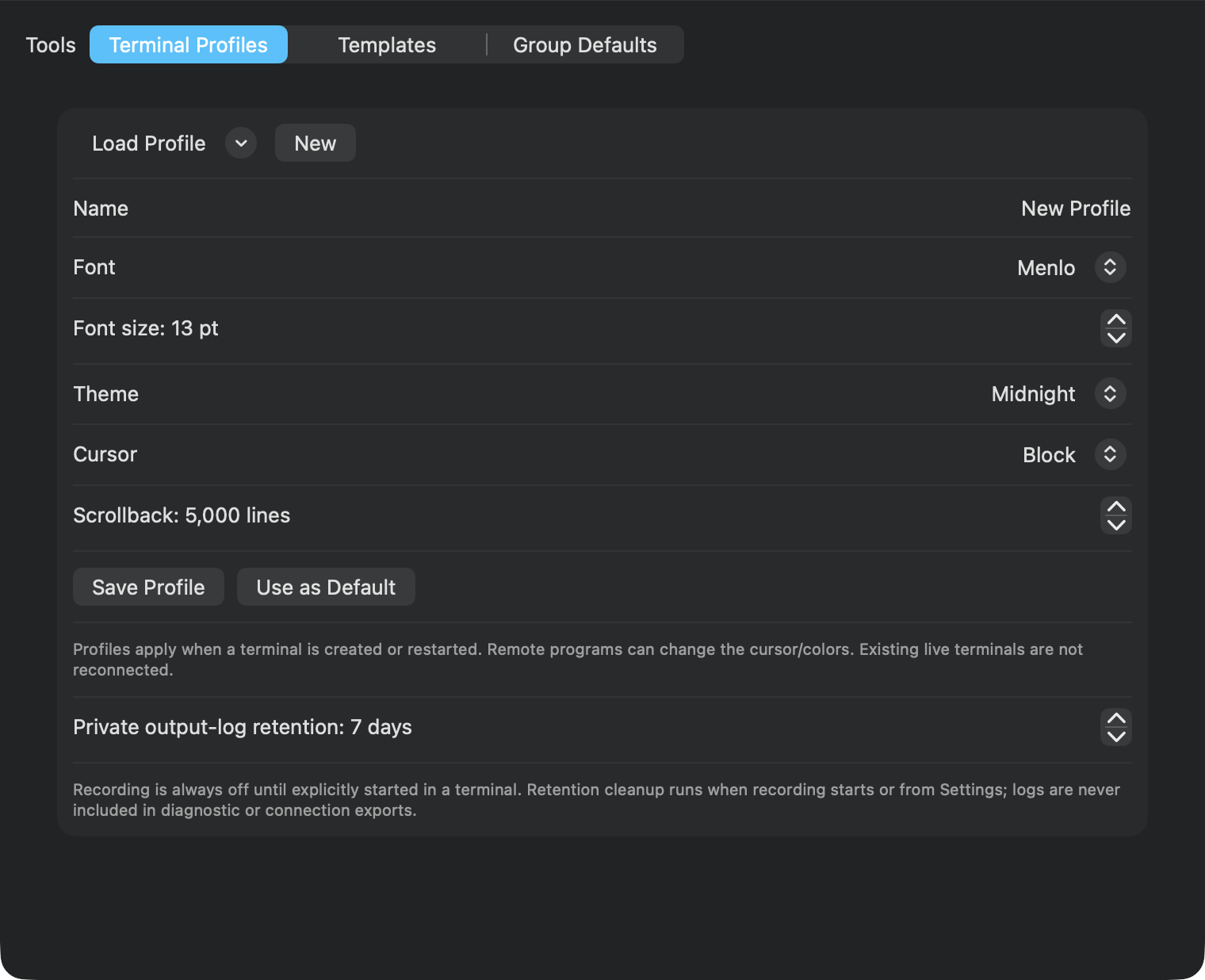
Arrange two to four SSH panes with resizable dividers and restored layouts, or detach sessions into windows. Use Command-K Quick Connect, terminal profiles, output search, remote text editing, reviewed snippets and opt-in recording.
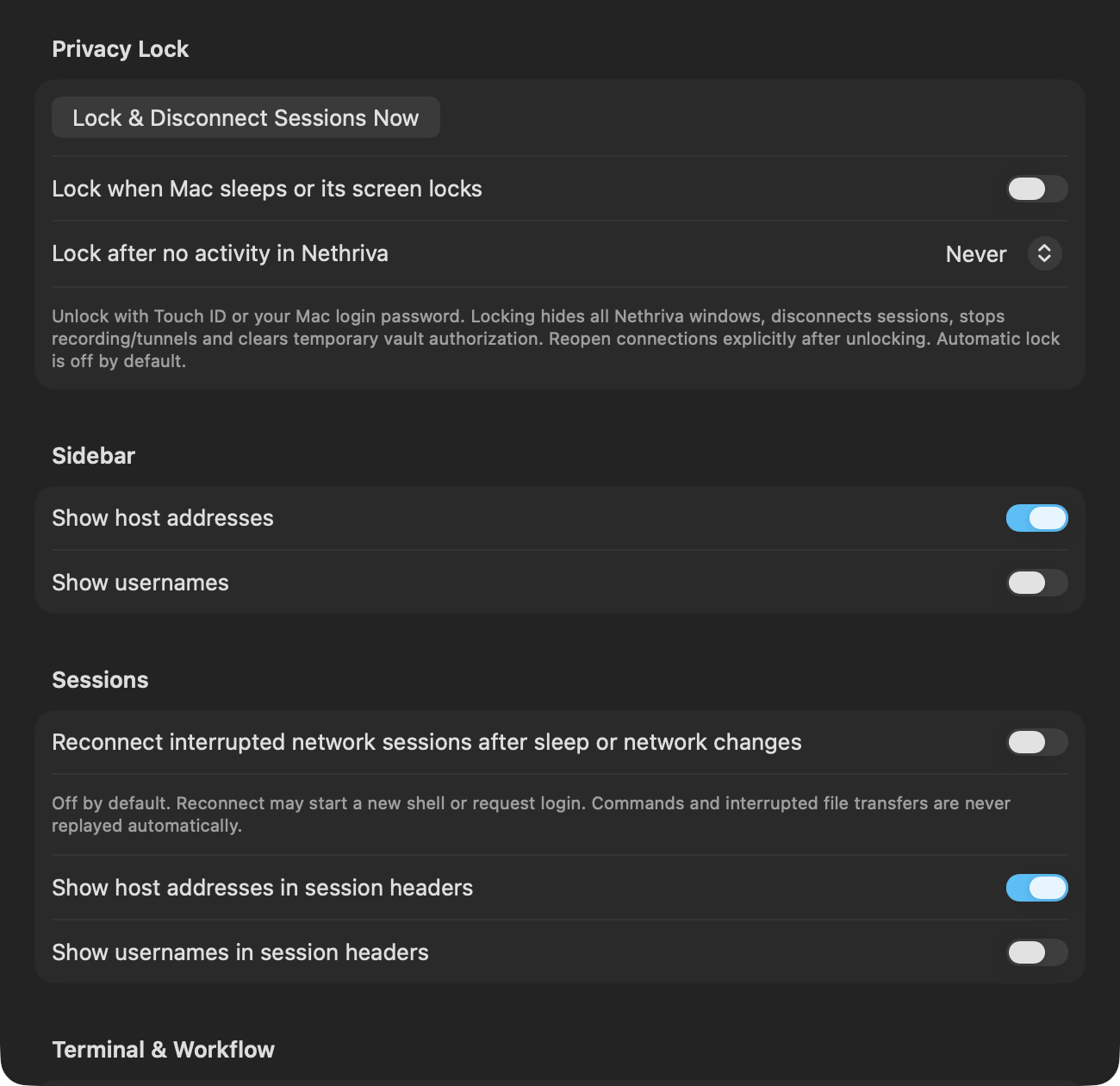
Metadata-only shared connection libraries with personal overrides and conflict previews. Optional 1Password CLI and Vault KV v2 credentials, plus a Touch ID or Mac-password privacy lock that disconnects live sessions.
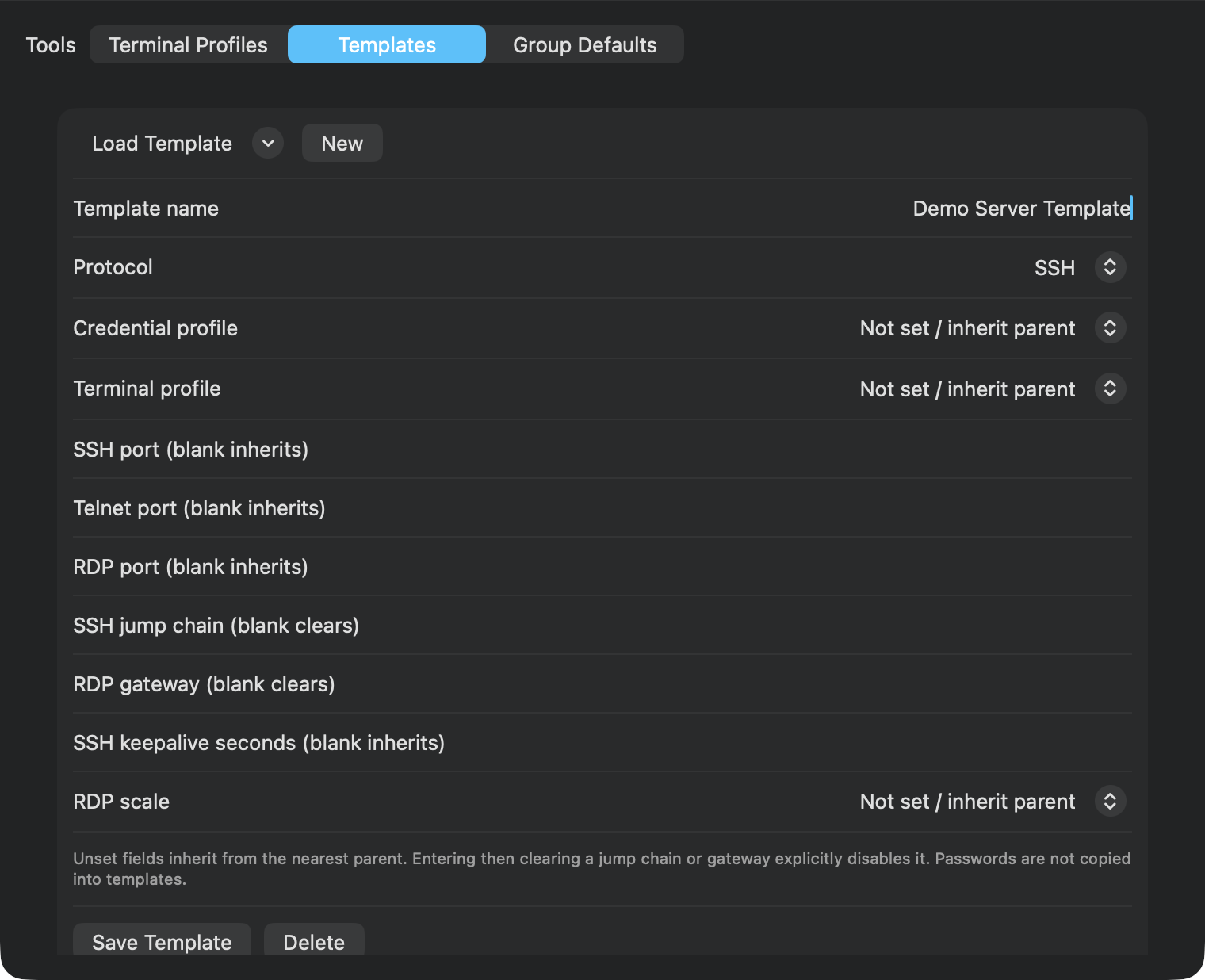
Start explicit local, remote or SOCKS SSH tunnels and use ordered jump hosts. Templates, group defaults, previewed bulk edits and migration imports reduce repeat setup; multi-session commands require recipient review and confirmation.
Stronger import and credential handling, hardened SSH, terminal and SFTP boundaries, stricter defaults for new RDP connections, and improved native resource handling. The bundled runtime and console dependencies have been updated, including FreeRDP 3.33.1, OpenSSL 4.1.0, SwiftTerm 1.99.3 and noVNC 1.7.0.
SSH connection startup now avoids macOS control-socket path limits. RDP error details are easier to read, select and scroll in light and dark appearances.
Host-specific setup and permissions apply to VM integrations; interoperability varies by provider and version. VMware federated/MFA sign-in remains experimental and needs administrator registration. Intel RDP is not included. Publisher-verified in-app updates remain unavailable; download new releases manually from GitHub. Read the full release notes and compatibility details ↗
Current public release · 0.13.0 · Build 30
Split SSH panes, queued SFTP transfers, VM consoles and expanded library tools. Download the complete app for Apple silicon and macOS 14+.
Open the DMG and drag Nethriva.app to Applications, or extract the ZIP and move the app there. Back up your connection library before upgrading and confirm About shows 0.13.0 (30).
Both packages have matching SHA-256 files. Nethriva is locally/ad-hoc signed and not Apple-notarized; follow the installation guidance above if macOS asks for approval.
To verify a download, keep its matching .sha256 file in the same folder and run shasum -a 256 -c followed by that checksum filename in Terminal. A matching checksum confirms the file matches the published package.
Explore the public code in the GitHub repository. Version 0.13.0 and its source are published under the Apache-2.0 license.
Report a bug or suggest an improvement in GitHub Issues. For launch problems, include your Mac model, macOS version and exact error.
Nethriva is free and open source. If it saves you time, support its continued development.
Release updates
Get an email when a new Nethriva release is ready. Confirm your subscription in your inbox. Unsubscribe anytime.
Form not loading? Open the signup page ↗
Support the project
Nethriva is free and open source. If it saves you time or makes your work easier, you can support continued development, testing, and future releases through any of the options below.
Support is completely optional. Nethriva remains free and open source for everyone.